
Settings
Introduction
Section titled “Introduction”The ‘settings’ page gives you access to shared properties for your WingMDM account.
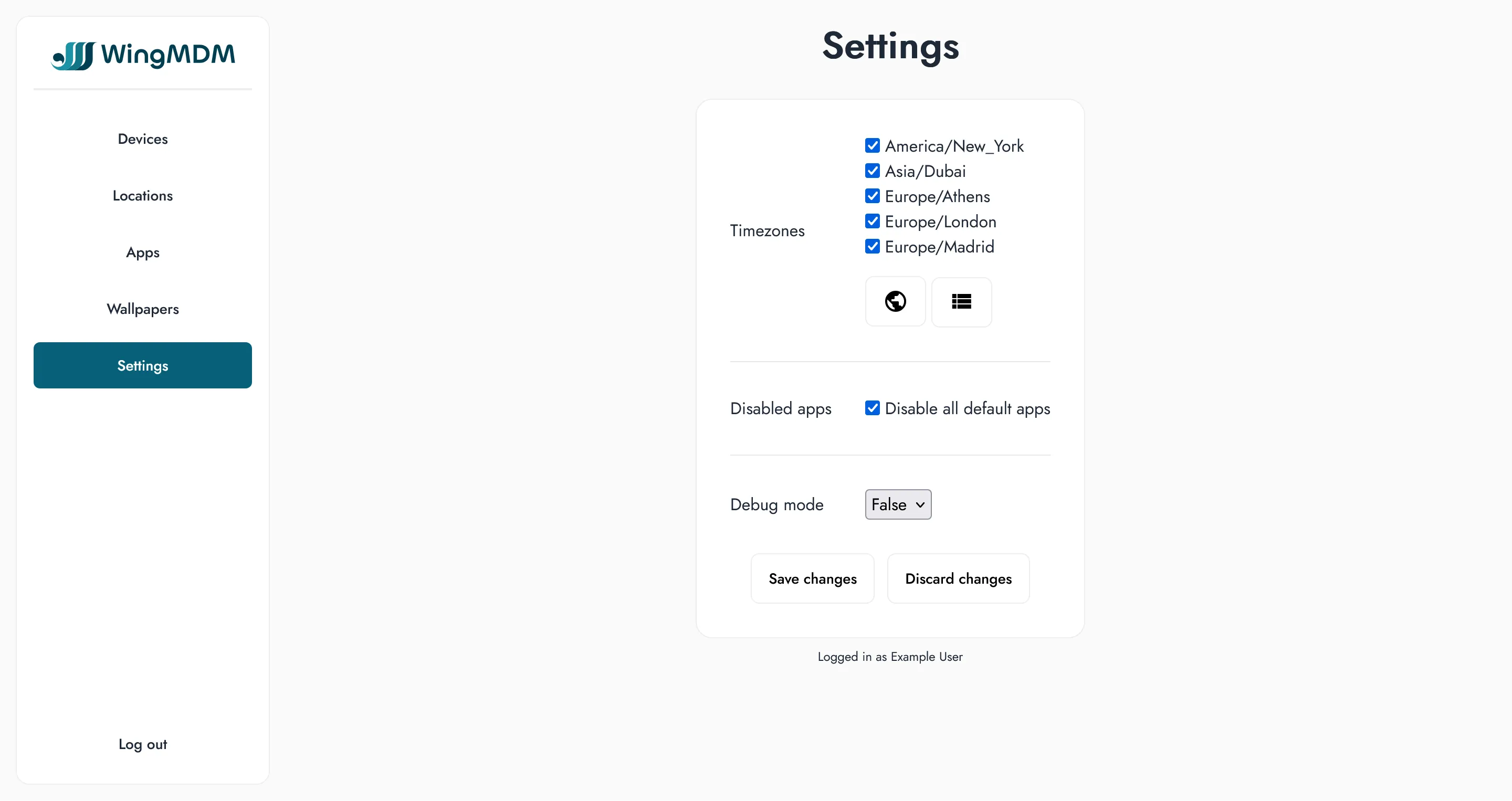
Timezone
Section titled “Timezone”For vessels that are regularly sailing between countries, timezones are both the most frequent configuration change, and the one that’s most tedious to apply manually across all the iPads on board.
You can quickly apply timezone changes to all iPads from the Devices page. See Devices for more details.
To speed up searching for the right timezone, you can specify your preferred timezones within Settings. This can include any timezones frequently visited, as well as any timezones you expect to pass through on upcoming trips.
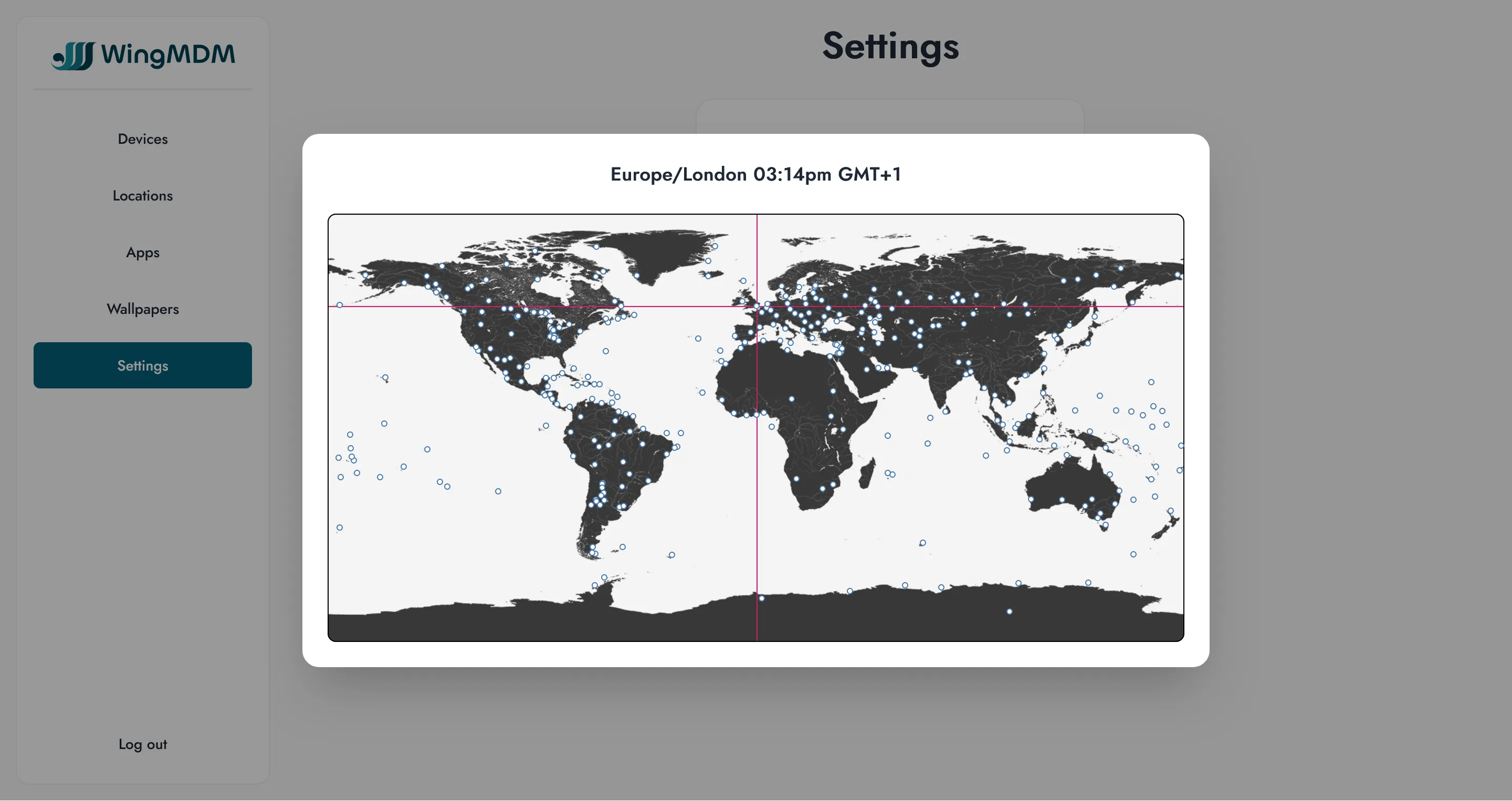
- Go to the settings page
- Under ‘timezones’, select either the ‘map’ option or the dropdown list
- Add each relevant timezone in turn
- Finally, make sure to select ‘save’ to store your changes
From the devices page, you can now select your current timezone from the top-left dropdown menu.
Default apps
Section titled “Default apps”WingMDM allows you to disable the default apps that come with your iPads, and start from a clean slate.
You have two options:
- Disable all default apps (not including the App Store)
- Choose which default apps to disable
In both cases the choice will be queued for changes to all devices.
Apps can be selectively re-enabled for specific devices from the ‘Apps’ page - see Adding default apps for more details.